
Elite.deals · Electronics · Tue, Oct 20
Discount Electronics Today
0 dealsToday's discount electronics on Amazon: headphones, chargers, smart home gear, audio and computer accessories, biggest discount first and refreshed through the day.
No electronics deals are live in this edition. New deals are added through the day, so this section fills back up on its own.
More places to look
Electronics products we have covered
See all Electronics products
Stylus Pen for iPad

TAGRY Bluetooth Earbuds 60H

LOVEVOOK Laptop Backpack

BERIBES Bluetooth Headphones Over Ear
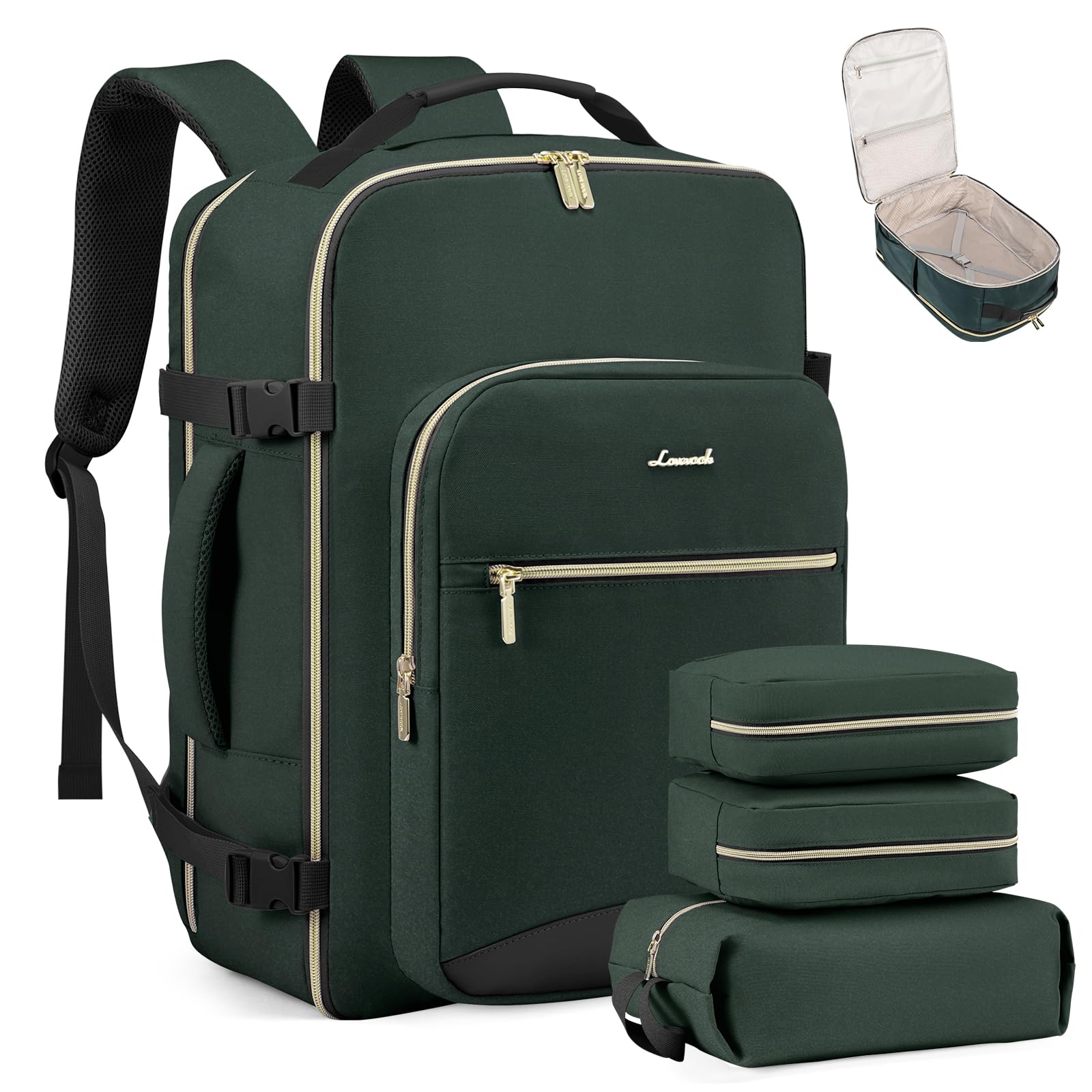
LOVEVOOK 40L Travel Backpack

PocBuds Wireless Earbuds 80hrs Playtime

Lexar E-Series Micro SD Card 64GB

TOZO A1 Wireless Earbuds

Bagstellar Teacher Tote Bag
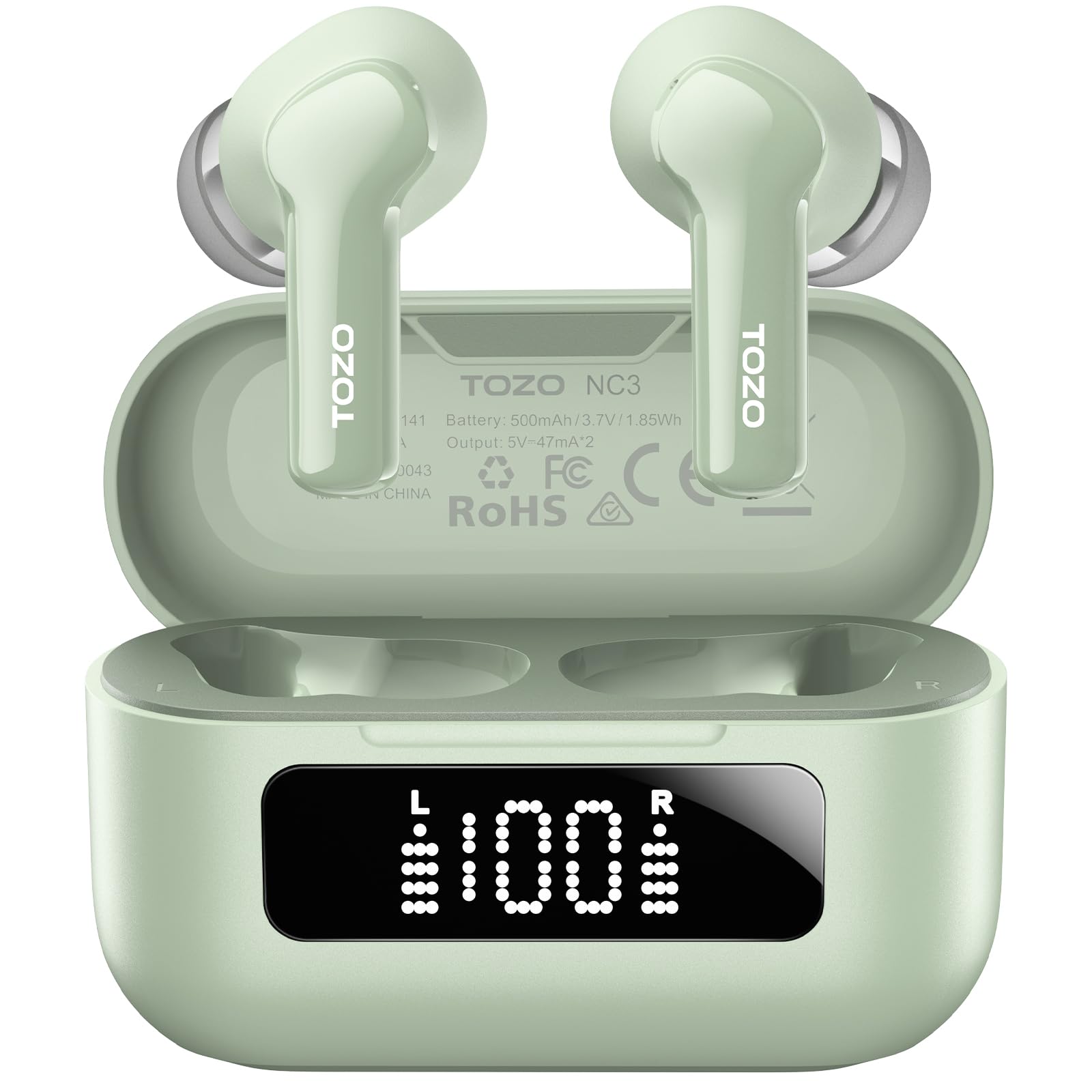
TOZO Hybrid ANC Earbuds
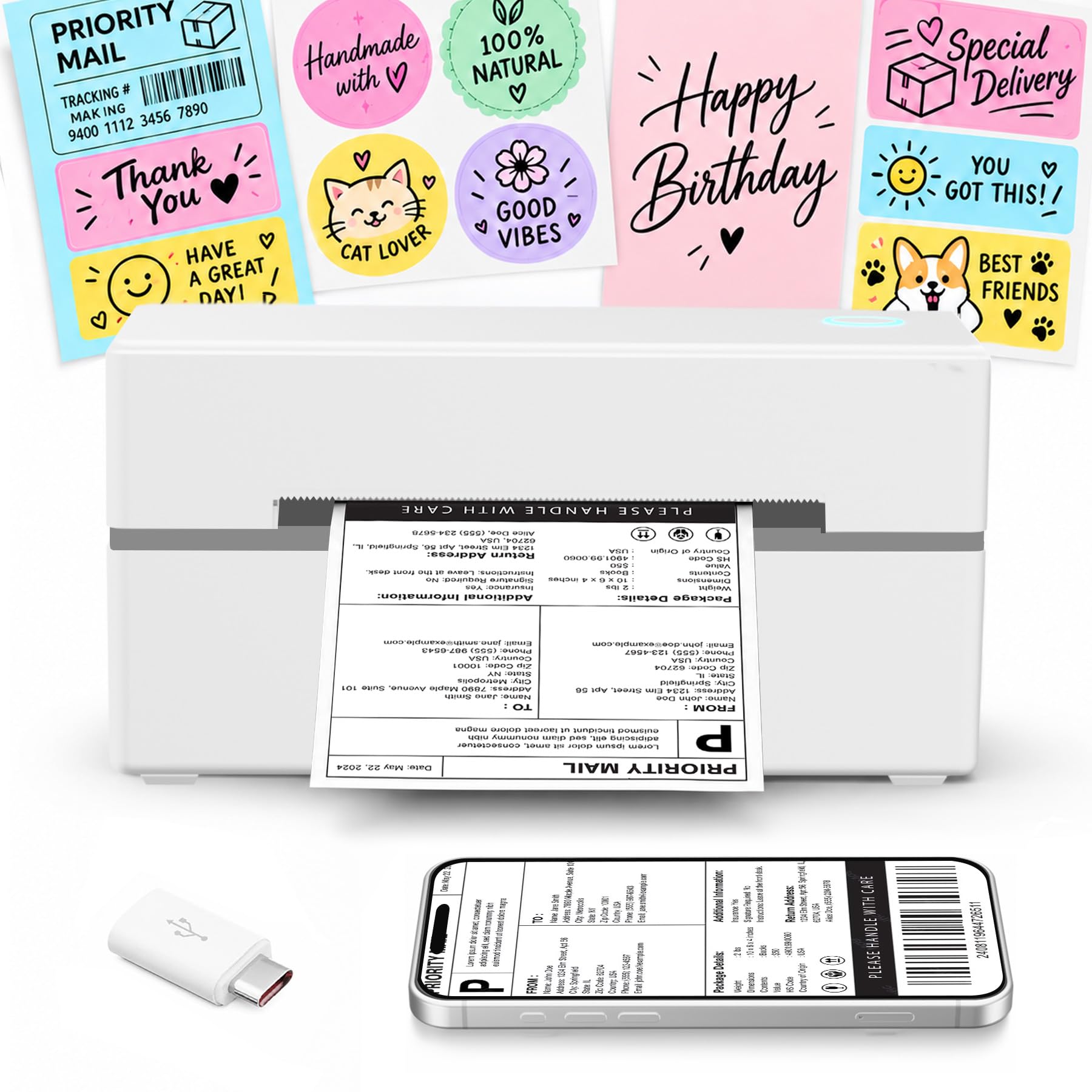
Thermal Shipping Label Printer 4x6

Bagstellar Puffer Tote Bag
Electronics deals by the numbers (last 30 days)
From September 20 to October 19, 2026 (Pacific time), we listed 733 Amazon electronics deals, covering 675 distinct products. The typical (median) discount was 18%, in line with the site-wide median of 18%. 36% of these deals were 25% off or more, and 14.7% were 50% off or more. New electronics deals appeared most often on Tuesday, which accounted for 20.1% of new listings. The brands that appeared most often were Jogrytece, Redragon, CoBak, Addtam and LOVEVOOK.
- Deals listed#
- 733
- Number of Amazon Electronics deals listed on elite.deals from September 20 to October 19, 2026 (Pacific time): 733.
- Distinct products#
- 675
- Distinct products among Amazon Electronics deals listed on elite.deals from September 20 to October 19, 2026 (Pacific time): 675.
- Median discount#
- 18%
- Median discount on Amazon Electronics deals listed on elite.deals from September 20 to October 19, 2026 (Pacific time): 18%.
- Average discount#
- 24.5%
- Average discount on Amazon Electronics deals listed on elite.deals from September 20 to October 19, 2026 (Pacific time): 24.5%.
- Busiest day for new deals#
- Tuesday
- Busiest day for new Amazon Electronics deals listed on elite.deals from September 20 to October 19, 2026 (Pacific time): Tuesday.
| Discount | Deals | Share |
|---|---|---|
| 10–24% off | 469 | 64% |
| 25–49% off | 156 | 21.3% |
| 50–69% off | 86 | 11.7% |
| 70% off or more | 22 | 3% |
Electronics deals: quick answers
- What is a typical discount on Amazon electronics deals?
- Over the last 30 days, the median discount on the 733 Amazon electronics deals listed on Elite Deals was 18% and the average was 24.5%. That median is in line with the site-wide median of 18%.
- What day do new electronics deals appear most?
- Tuesday had the most new Amazon electronics deals over the last 30 days, at 20.1% of new listings (days counted in Pacific time).
- How often are electronics deals 50% off or more?
- Over the last 30 days, 14.7% of Amazon electronics deals listed on Elite Deals were 50% off or more, and 36% were 25% off or more.
- Which brands show up most in electronics deals?
- Over the last 30 days, the brands that appeared most often in Amazon electronics deals were Jogrytece (9 deals), Redragon (7 deals), CoBak (5 deals), Addtam (4 deals) and LOVEVOOK (4 deals).
How to Shop Electronics Deals
Electronics is the category where the name on the box tells you the least. Two televisions can share a brand and a screen size and still use different panels, and two laptops with the same family name can ship with different processors. The discount is only worth what the exact model is worth, so the work here is identifying precisely which unit you are looking at before anything else.
Read the full model number before you read the discount
Manufacturers version their products constantly, and a retail listing usually carries the whole string: a family name, then a size, then a generation or year code. Copy that full string into the manufacturer's own site and confirm the specifications match what the listing claims. This one step catches the most common mismatch in electronics, where a superseded generation is being cleared out under a name that looks current.
Watch for retailer-exclusive variants too. A model number ending in a letter or digit you do not see on the manufacturer's page often signals a version built to a different specification for a specific seller. It is not automatically a worse product, but you should know which one you are buying before you decide.
Match specifications to how you will actually use the device
Decide what matters for your use before you shop. For a monitor that is resolution, refresh rate, and panel type. For a laptop it is processor generation, memory, and storage, all three of which are far harder to change later than most buyers expect. For headphones it is connection type and whether the battery is replaceable. A listing that leads with a discount and buries the specifications is asking you to judge by price alone.
Ports deserve their own look. Count the connections you need today and add the ones your next device will need, because adapters add cost and clutter that the original discount rarely covers.
Know what renewed and open box actually mean
Amazon Renewed listings are inspected and sold with a stated return window and warranty terms. Open box, refurbished, and used condition grades each mean something different, and the listing spells out which one applies. Read that grade and its warranty language rather than assuming any discounted unit carries full new-product coverage.
Renewed can be a sensible way to buy a device whose specifications you already know well. It is a harder call on anything with a consumable battery, so check what the grade says about battery condition before you commit.
Check the device against the equipment you already own
Start with the thing the new device has to plug into. For a streaming stick, soundbar, or games console that is your television: count its free HDMI inputs, and read the TV's manual or settings menu for the HDMI version and HDCP level each input supports, because a device that outputs protected 4K content needs an input that accepts it. For a monitor it is the video output on your computer. For headphones it is whether your phone or laptop still has a headphone jack or only Bluetooth.
Then check the surrounding gear. A remote that promises to control your TV and soundbar does so by infrared or over HDMI, and the product page states which and warns where some functions may not work. A smart speaker, camera, or plug only joins the system you already run if the listing names that platform. Write down the model numbers of your TV, router, phone, and any hub before you shop, and compare each listing against that note rather than from memory.
Cables, chargers, mounts, and cases are the easiest items to buy wrong. Confirm the connector standard, the wattage a charger delivers, and the mount pattern or device dimensions the accessory expects. Product pages list this in the specifications block, and reviews from buyers with your exact device are often the fastest confirmation. Prices and availability are set by the retailer and can change without notice.
Confirm display and connectivity support before you assume 4K
Resolution is the first line of a video device's specifications, and it only pays off if every link in the chain supports it. Compare the device's stated output resolution with your TV's native panel resolution. A 4K device on a 1080p television plays at 1080p, and a 1080p device on a 4K television is upscaled by the TV. Neither is a fault, but in the first case you are paying for capability you will not see.
High dynamic range comes in named formats, and they are not interchangeable. The specifications block lists which formats the device outputs, typically some of HDR10, HDR10+, HLG, and Dolby Vision, and your TV's manual lists which it can display. A format that appears on only one side of that pair is not used. Audio works the same way: a device that lists pass-through of Dolby-encoded audio hands the signal to your TV or soundbar to decode, so the receiving device has to support that format for surround sound to arrive.
Compare the device's supported Wi-Fi standards and frequency bands with your router's specifications. Check compatibility instead of assuming a generation number establishes connection speed. For headphones or controllers, check the device's supported Bluetooth accessories. If you need a wired connection, confirm whether the exact model provides Ethernet or supports a separately sold adapter.
Count the accessories and subscriptions the price does not include
Read the included-in-the-box line on the product page before you compare two prices. A power adapter, an HDMI extender, batteries for the remote, or a mounting bracket may be included on one listing and sold separately on another, and the difference can exceed the discount. If the line is missing, assume nothing beyond the device itself is included.
Check which features work without a paid plan and which apps or services require a separate subscription. List the services you plan to use, check their current fees, and include those costs when comparing devices.
Warranty terms belong in the same tally. Product pages state the length of the included limited warranty and whether extended coverage is sold separately. A short included term on a device you expect to keep for years is a cost to price in, not a footnote.
A worked example: Fire TV Stick 4K Select versus Fire TV Stick HD
Both of these streaming sticks appear in this section from time to time, and their Amazon product pages show how the checks above play out on two products that look alike. The details below were read from Amazon's product page for each model in September 2026. Specifications can be revised by the manufacturer, so confirm them on the listing before you buy.
Display. Amazon lists the Fire TV Stick 4K Select's supported output as 2160p, 1080p, and 720p, and the Fire TV Stick HD's as 1080p and 720p. The 4K Select page states it is compatible with 4K UHD TVs whose HDMI input supports 2160p and HDCP 2.2, and also with high-definition TVs at 1080p or 720p. The HD page lists high-definition TVs at 1080p or 720p only. Both pages list HDR10, HDR10+, and HLG as supported video formats and HDMI pass-through of Dolby-encoded audio, and Amazon's comparison table on both pages lists Dolby Vision and Dolby Atmos only for the Fire TV Stick 4K, 4K Max, and Fire TV Cube. On a 1080p television, then, both sticks play at the same resolution; the 4K Select's extra output only shows on a 4K panel.
Connectivity. The two differ in the other direction on wireless. The Fire TV Stick HD page lists dual-band Wi-Fi 6 (802.11ax) and Bluetooth 5.3; the 4K Select page lists dual-band 802.11a/b/g/n/ac, which Amazon's comparison table labels Wi-Fi 5, and Bluetooth 5.0. Neither page lists an Ethernet port; both list an HDMI output plus a second port used for power only. Both list 8 GB of internal storage and a quad-core 1.7 GHz processor. Compare those listed wireless standards with your router's specifications before choosing either model.
Accessories and subscriptions. The 4K Select page lists a power cable and power adapter, an HDMI extender cable, and two AAA batteries in the box, and its system requirements include a power outlet. The HD page describes the stick as powered by the TV through the included USB-C cable, lists a power cable and two AAA batteries in the box, and states that the HDMI extender is available separately. Both pages note that apps and services may require separate subscriptions, both list a 90-day limited warranty with extended coverage sold separately, and both include an Alexa Voice Remote that can control power and volume on compatible infrared-enabled TVs, soundbars, and receivers. Neither device is the better buy in general. The television and router you own decide which of these capabilities you would actually use.
Learn the shapes a discount takes on a listing
Not every reduction is the same mechanism. A Lightning Deal runs for a short window against a limited quantity and shows a claimed percentage as it sells through. A coupon is a box you tick on the product page, and it only comes off at checkout, so the figure in the listing title is not yet the figure you pay. A promotion code works the same way but is often tied to buying more than one unit.
Read the price breakdown on the order page before you confirm. That page is where a coupon you forgot to tick, a seller you did not intend to buy from, or a different variant than the one you were looking at will show up. On electronics, where variants are numerous, this is the last cheap moment to catch a mistake.
Know which variant the discount belongs to
A single electronics listing often carries a grid of options: storage size, color, screen size, with or without a bundled accessory. Amazon prices those options separately, and a discount frequently applies to only one of them. The page can show an attractive figure while the option you actually want sits at full price a click away.
Select your exact option first, then read the price. If the reduction disappears when you do, the deal was for a different configuration. This is the most common way a shopper ends up paying more than they expected on a page that genuinely did contain a discount.
Time the purchase against the electronics calendar
Electronics discounting follows a fairly predictable year. Prime Day in July and the October Prime Big Deal Days event are Amazon's own tentpoles. Black Friday and Cyber Monday in late November remain the broadest window across brands. January brings clearance as retailers flush holiday inventory, and it overlaps with the annual run of trade-show announcements that push last year's televisions and laptops down in price.
Set this against how urgently you need the device. A generational refresh is the single largest predictable driver of a discount in this category, and the outgoing model is frequently the better purchase once it drops. If you can wait for a known event, wait. If you cannot, the calendar at least tells you whether today's figure is likely to be beaten soon.
Judge the reviews before you judge the rating
A star rating on its own is weak evidence, because it aggregates every variant on a listing and every year the listing has existed. A television page can carry reviews of three previous generations under the same score. Filter the reviews to the variant you are buying where the option exists, and sort by most recent to see what current stock looks like.
Read the critical reviews specifically. On electronics they cluster around a small number of real failure modes, and if the same fault appears repeatedly across recent reviews, that is a firmer signal than the average. Reviews describing a different product entirely usually mean the listing was repurposed, which is a reason to buy elsewhere.
How we pick what appears here
The listings on this page come from Amazon's own deals feed, which we read several times a day. An offer stays only while it is marked at least ten percent below the reference price Amazon displays.
Prices come from Amazon and can change without notice, so confirm the current price on Amazon. If the price moves or the listing is no longer a deal, the entry comes down or is marked ended, so the page reflects the offer as it stands rather than as we first found it. Amazon sets the price and controls availability throughout, and both can change between your click and your checkout.
One limit worth stating plainly for this category. We surface what Amazon promotes in its deals listings, which skews toward the models a manufacturer is clearing. A device that is quietly discounted without being promoted will not appear here, so this page is a starting point rather than a full survey of what is cheap today.
Electronics FAQ
- When are the best electronics deals?
- Major sales events like Prime Day, Black Friday, and Cyber Monday offer the deepest discounts. We also find daily lightning deals and clearance items year-round.
- Are refurbished electronics worth buying?
- Amazon Renewed products are inspected and come with a warranty, so they can offer real savings over new items. The listing states the grade and return window.
- How do I confirm a discounted TV or laptop is the current model?
- Copy the full model number from the listing and look it up on the manufacturer's own site. If the specifications there do not match the listing, or the model does not appear at all, you are likely looking at a superseded or retailer-specific variant.
- Does a discounted electronics item still come with the manufacturer's warranty?
- New items sold through official retailer listings generally carry the standard manufacturer warranty. Renewed and open-box listings state their own coverage terms, so read the condition grade on the product page before ordering.
- What is the difference between a Lightning Deal and a coupon?
- A Lightning Deal is a time-limited offer against a limited quantity, and the discount is already in the displayed price. A coupon is a box you tick on the product page, and the reduction is applied at checkout rather than in the listing. Check the order summary before confirming either one.
- Why did the discount vanish when I chose a different color or size?
- Amazon prices each variant on a listing separately, and a deal often covers only one of them. Select the exact option you want first, then read the price, because the headline figure may belong to a configuration you are not buying.
- Should I wait for Prime Day or Black Friday to buy electronics?
- Those events, along with October's Prime Big Deal Days and January clearance, are the widest discount windows in this category. If your purchase can wait, they are worth waiting for. If it cannot, check whether a generational refresh is near, since the outgoing model usually drops when the replacement is announced.
- How do I check the seller on an electronics listing?
- The buy box names who is selling and who is shipping the item. For expensive electronics and for anything where counterfeits are a known problem, such as memory cards and chargers, prefer the listing sold by Amazon or by the brand's own storefront.
- Will a 4K streaming device work on my 1080p TV?
- Usually yes, at the TV's own resolution. Amazon's product page for the Fire TV Stick 4K Select, for example, lists compatibility with high-definition TVs at 1080p or 720p as well as with 4K UHD TVs. Check the TV compatibility line on the specific listing, because the device only outputs what the TV's HDMI input accepts.
- How do I check whether my TV supports the HDR format a device outputs?
- Your TV's manual or on-screen information page lists the HDR formats the panel can display, such as HDR10, HDR10+, HLG, or Dolby Vision. Match that list against the formats named in the device's specifications. A format that appears on only one side is not used.
- Do I need a subscription to use a streaming stick or smart speaker?
- Check the listing and the service provider's terms for the features you plan to use. Distinguish features available without a paid plan from those requiring a subscription, and include any fees in your comparison.
- What should be in the box with a streaming device?
- Check the included-in-the-box list for the exact model and bundle. Confirm whether a power adapter, HDMI extender and remote batteries are included or sold separately before comparing the total cost.